After years of wrestling with slow development cycles and repetitive coding tasks, I finally found the AI tool that actually delivers on the promise of accelerated development. Let me share my honest experience with BLACKBOX AI and how it transformed my coding workflow from frustrating to fluid.
My Coding Nightmare (Before BLACKBOX AI)
As someone who codes daily for client projects and personal development, I was spending way too much time on repetitive tasks:
- Writing boilerplate code for every new project
- Debugging the same types of errors repeatedly
- Looking up syntax and API documentation constantly
- Refactoring code manually instead of using automation
- Switching between multiple tools and references
My development speed was capped by these inefficiencies. I knew there had to be a better way, but most AI coding tools I'd tried were either too limited or too expensive for serious development work.
The Moment That Changed Everything
A fellow developer mentioned BLACKBOX AI during a tech meetup, claiming it had cut their development time in half. Skeptical but intrigued, I signed up for their free tier to test it out.
Within the first hour of using BLACKBOX AI, I realized this was different. The AI understood my code context and provided intelligent suggestions that were actually useful:
- Context-aware code completions that understood my project structure
- Intelligent debugging suggestions that identified root causes
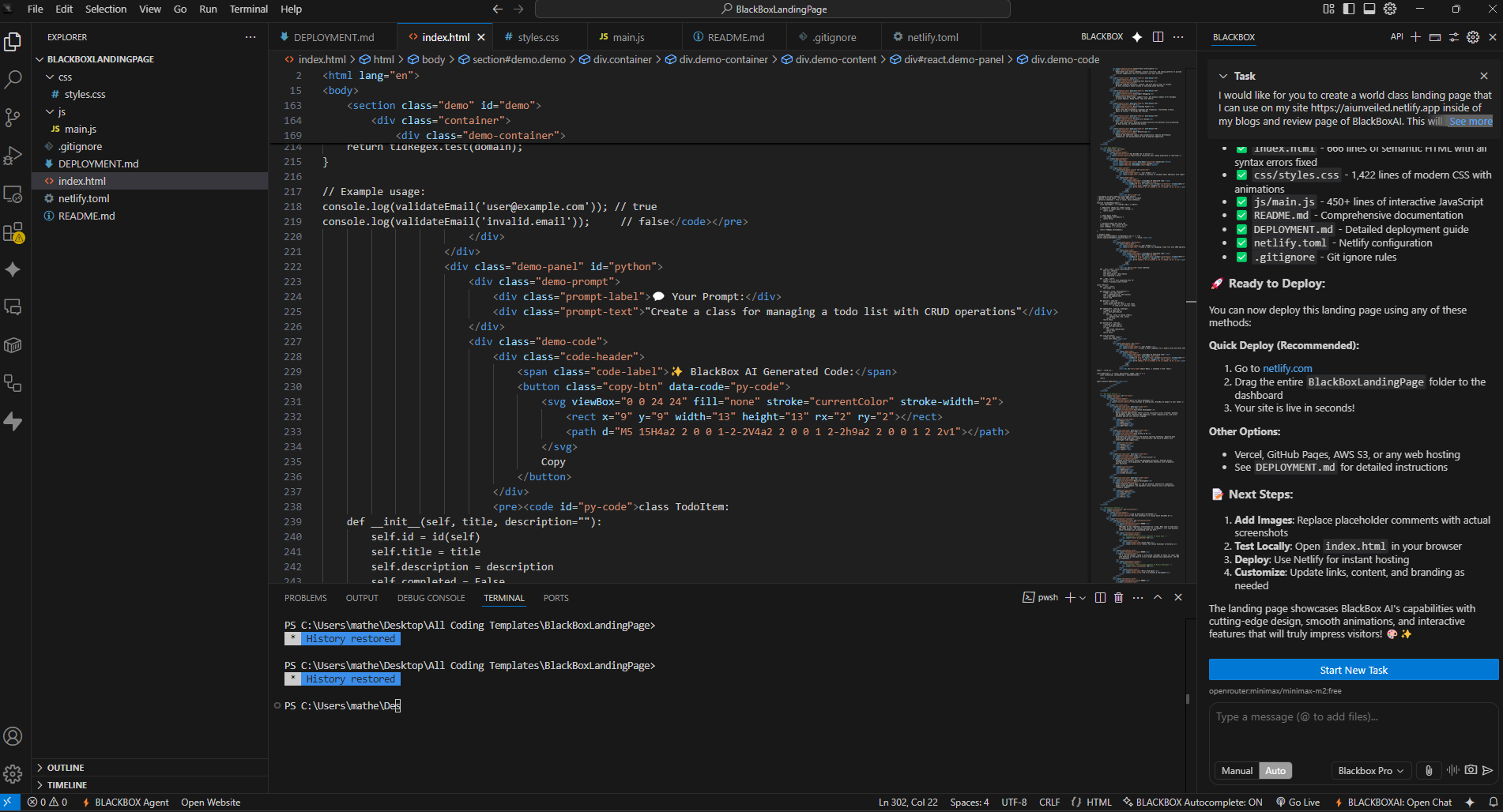
- Automated code generation for common patterns and functions
- Real-time error detection and correction recommendations
- Integration with my existing development environment
The game-changer was how BLACKBOX AI learns from your codebase. Unlike generic AI tools, it adapts to your coding style and project requirements over time.
My Favorite BLACKBOX AI Features
These save me hours weeklyAfter using BLACKBOX AI for several months across different projects, these features have become indispensable:
1. Intelligent Code Completion
The AI doesn't just complete words—it understands the entire context of your code. Whether I'm working on a React component, Python script, or API endpoint, BLACKBOX AI suggests completions that fit perfectly into my existing codebase. It's like having an expert developer looking over my shoulder.
2. Smart Debugging Assistant
Instead of spending hours debugging, BLACKBOX AI often identifies issues within seconds and suggests precise fixes. It doesn't just tell you what's wrong—it explains why and shows you exactly how to fix it. This has cut my debugging time by at least 70%.
3. Automated Code Generation
Need to create a new API endpoint, database model, or user authentication system? I can describe what I need in plain English, and BLACKBOX AI generates production-ready code. This feature alone has saved me countless hours on boilerplate and repetitive coding tasks.
Measurable Results: My Development Transformation
The impact of BLACKBOX AI on my work has been quantifiable:
- Development speed increased by 2x - Projects that used to take a week now complete in 3-4 days
- Debugging time reduced by 70% - Issues that took hours to resolve now fix in minutes
- Code quality improved - Fewer bugs and more consistent, maintainable code
- Learning acceleration - Faster adoption of new languages and frameworks
- Client satisfaction up - Faster delivery and higher quality work
BLACKBOX AI vs. GitHub Copilot: Why I Switched
I previously used GitHub Copilot for about a year before discovering BLACKBOX AI. While Copilot is good, there were key reasons I made the switch:
- Contextual understanding: BLACKBOX AI better understands entire codebases and project architecture, not just individual files
- Multi-language expertise: Superior performance across Python, JavaScript, Java, and other languages compared to Copilot's primary focus on web development
- Debugging capabilities: BLACKBOX AI provides more sophisticated debugging assistance and error resolution
- Code generation quality: More reliable and production-ready code generation for complex tasks
- Pricing flexibility: Better value with a generous free tier and reasonable paid plans
For individual developers and small teams, BLACKBOX AI offers 80% of Copilot's capabilities at a much better price point.
Getting Started with BLACKBOX AI
If you're tired of slow development cycles and want to supercharge your coding productivity, BLACKBOX AI is worth trying.
The platform offers a generous free tier that gives you access to core features. I recommend starting with:
- Install the IDE extension for your preferred development environment
- Try the code completion features on an existing project
- Experiment with the debugging assistant on a problematic piece of code
- Test the code generation capabilities with a new feature
The learning curve is minimal, and you'll see productivity improvements almost immediately.
Transform your development workflow
Try BLACKBOX AI free and experience the future of coding assistance.
Try BLACKBOX AI Free*Note: This link may include my affiliate code. If you decide to purchase, I'll earn a commission at no additional cost to you. I only recommend tools I've personally tested and found valuable.